News
Change to how you find templates in PowerPoint and Word
Published: 26 May 2026
To make it easier to find the right template, the way you access SLU templates in Word and PowerPoint in Microsoft 365 is now being updated.
In short, the change (illustrated in the images below) means that, from now on, you will select templates under “Sveriges lantbruksuniversitet”. You can also pin the templates you use most frequently.
This change will take effect from June 1.
PowerPoint as it looks today.
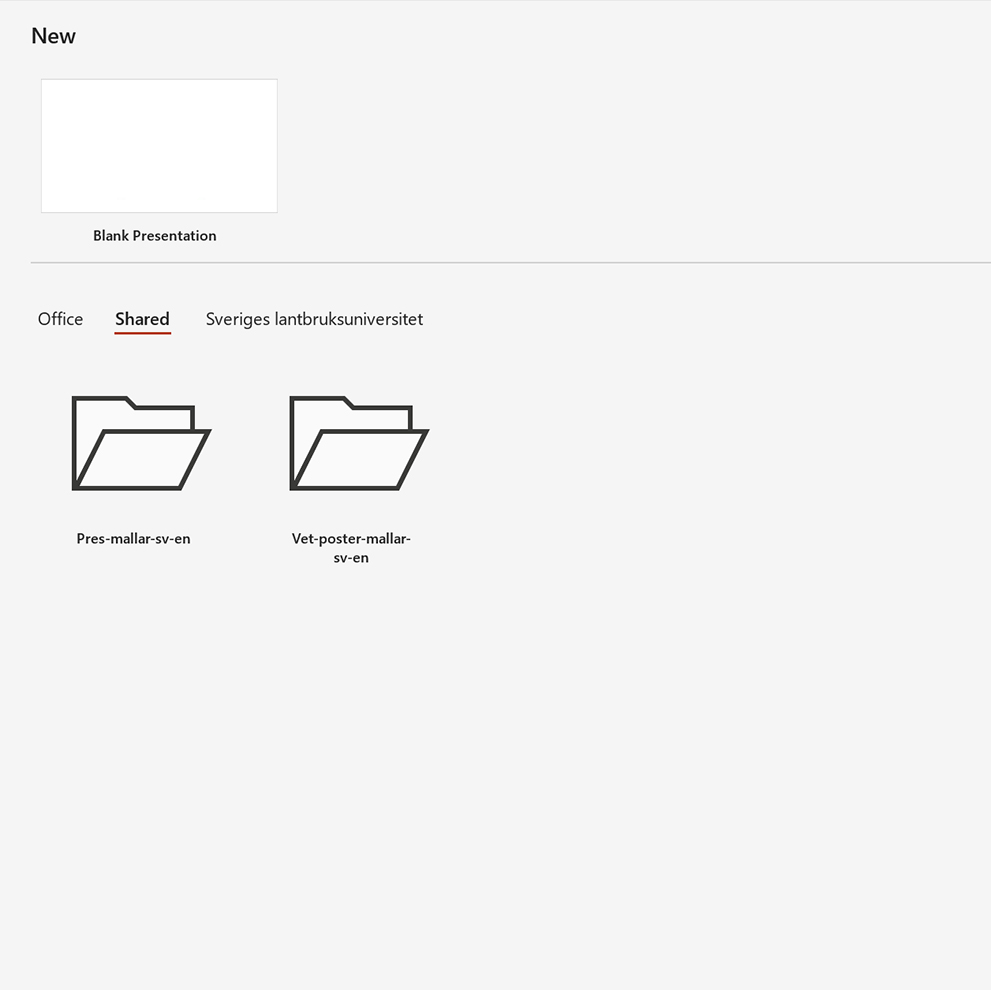
Click [New] to find templates under “Shared”.
PowerPoint: what it will look like before clicking on “Sveriges lantbruksuniversitet” to access the templates.
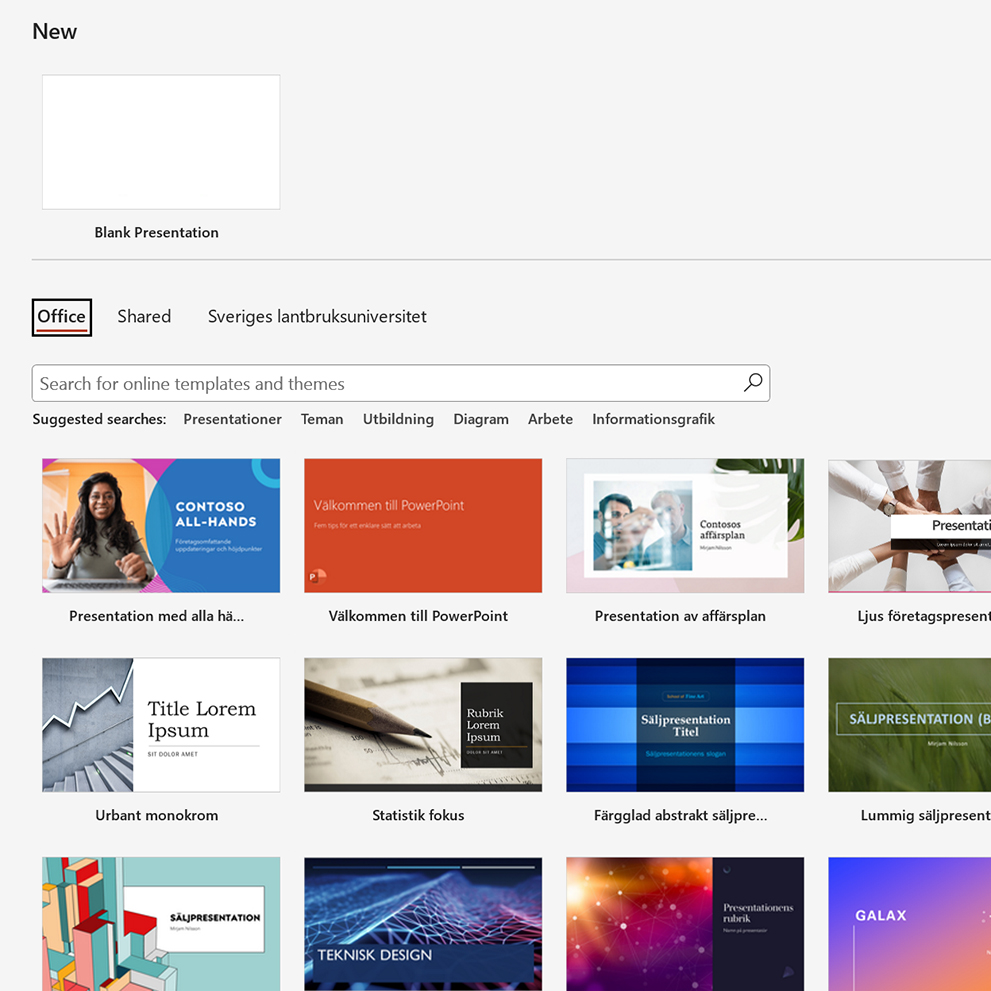
PowerPoint as it will look going forward.
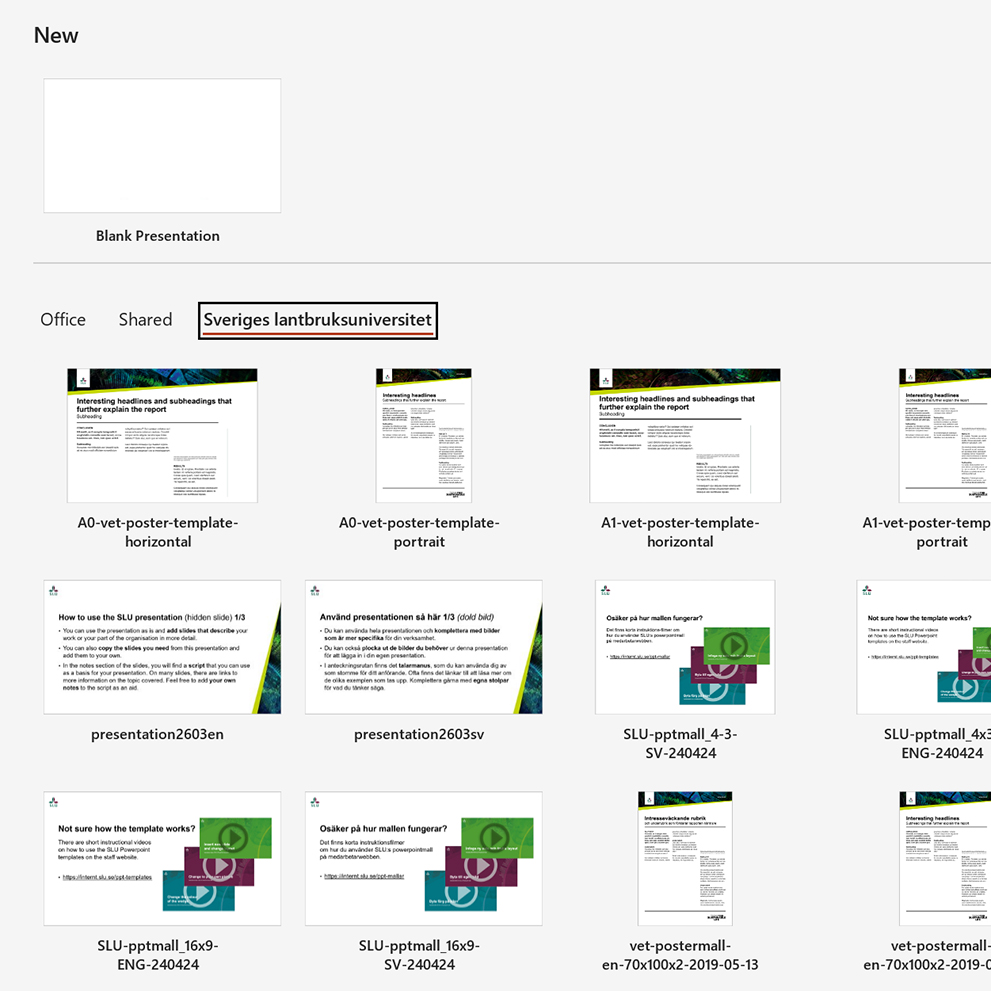
Click “Sveriges lantbruksuniversitet” to find the templates.
Word as it looks today.
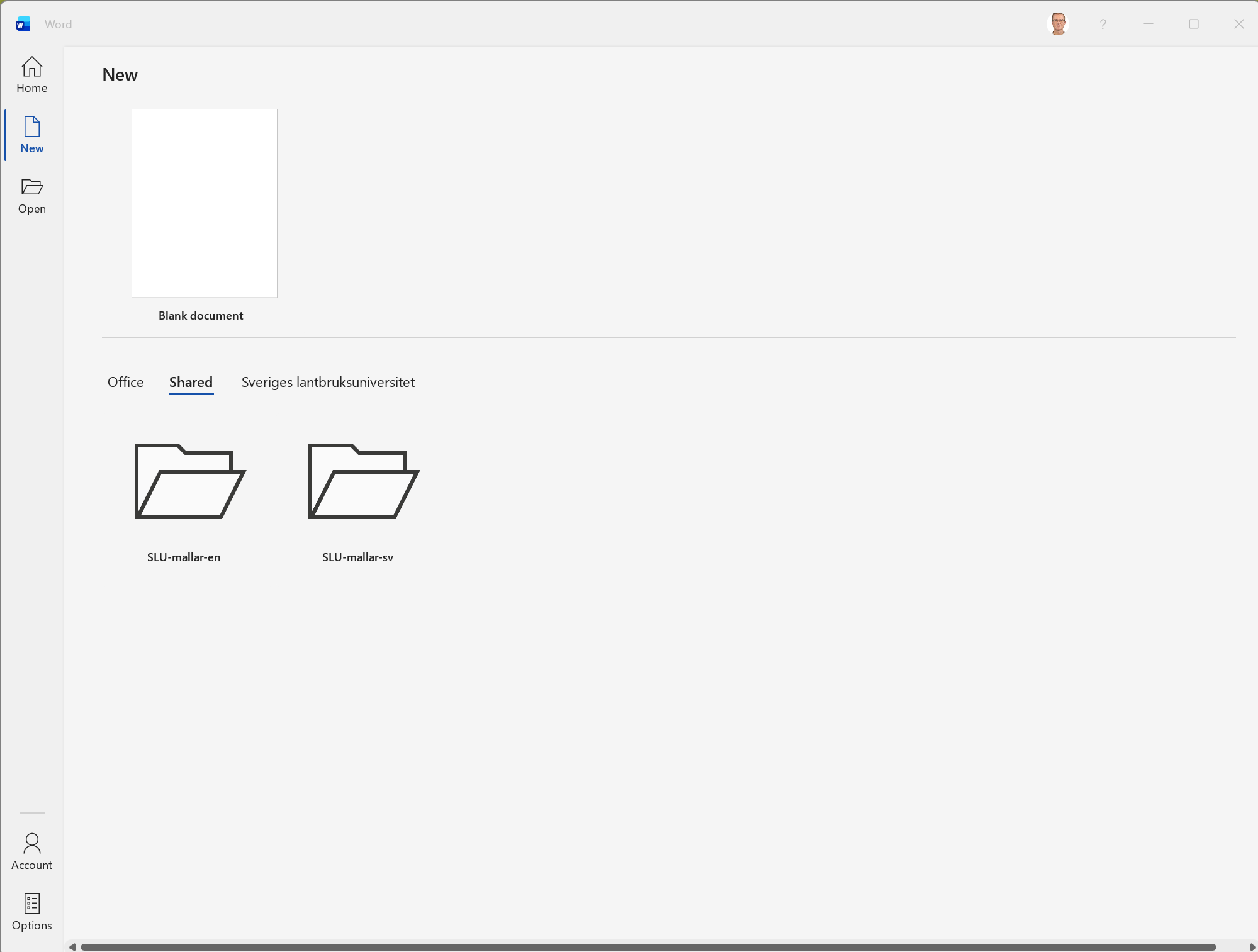
Click [New] to find templates under “Shared”.
Word as it will look going forward before clicking on “Sveriges lantbruksuniversitet” to access the templates.
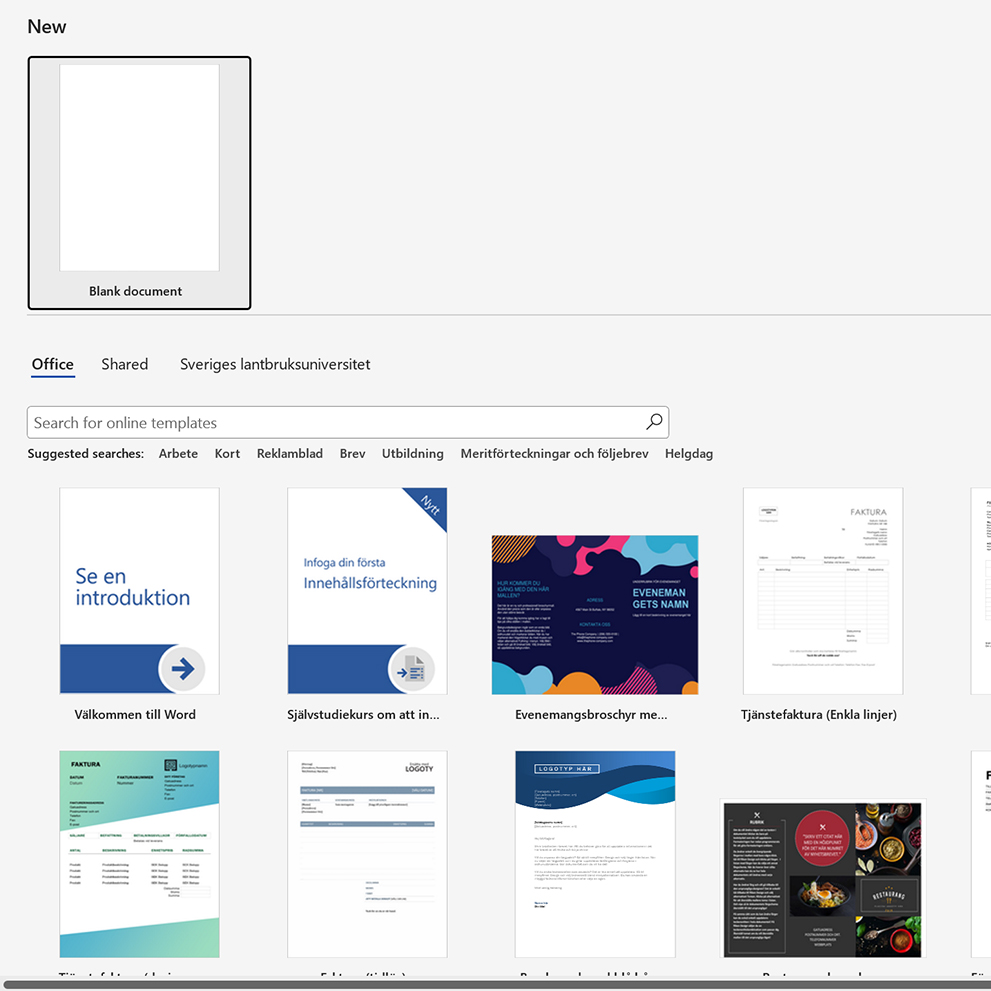
Word, going forward.
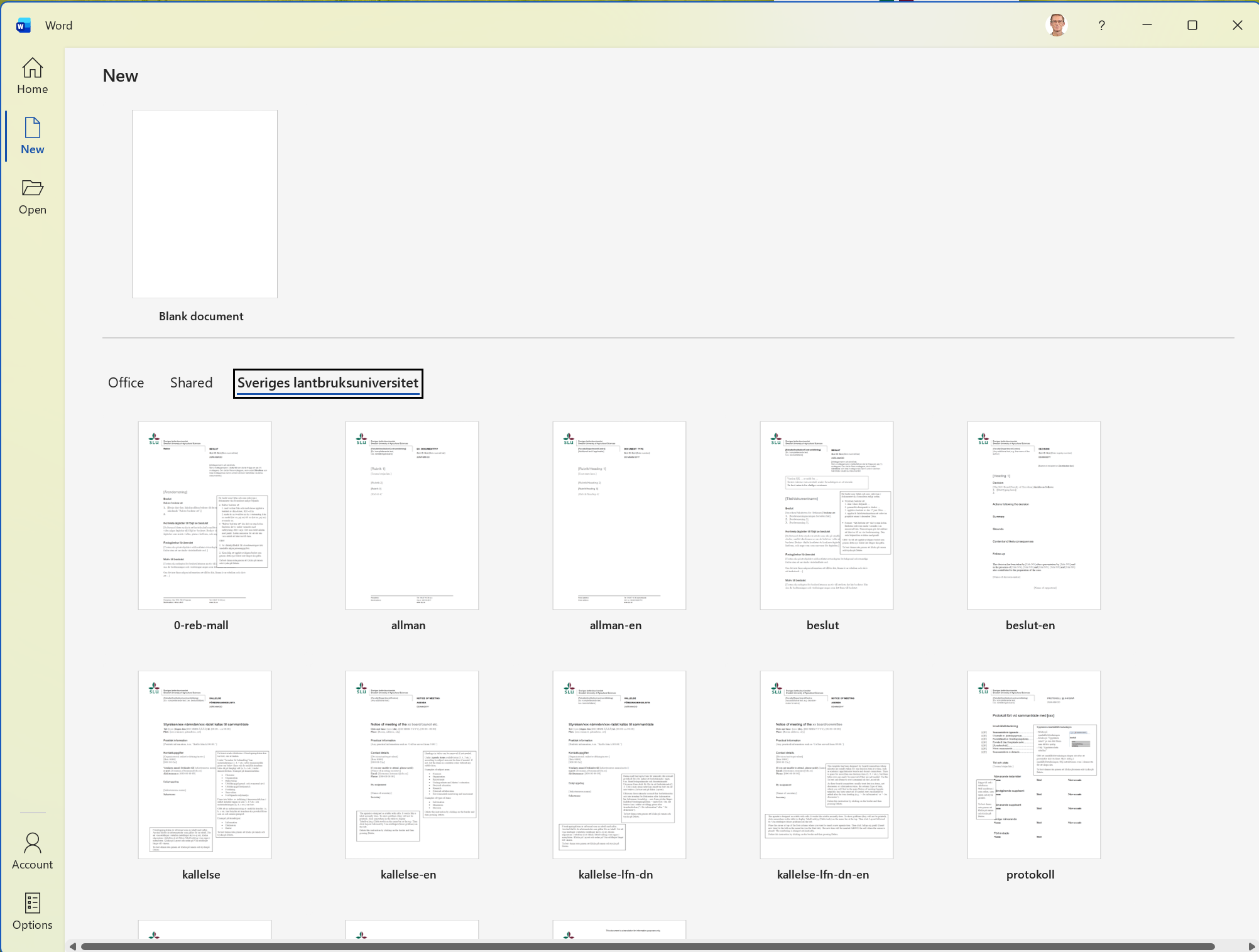
Going forward, click “Sveriges lantbruksuniversitet” to access the templates.
You can pin templates that you use frequently on the [New] start page.
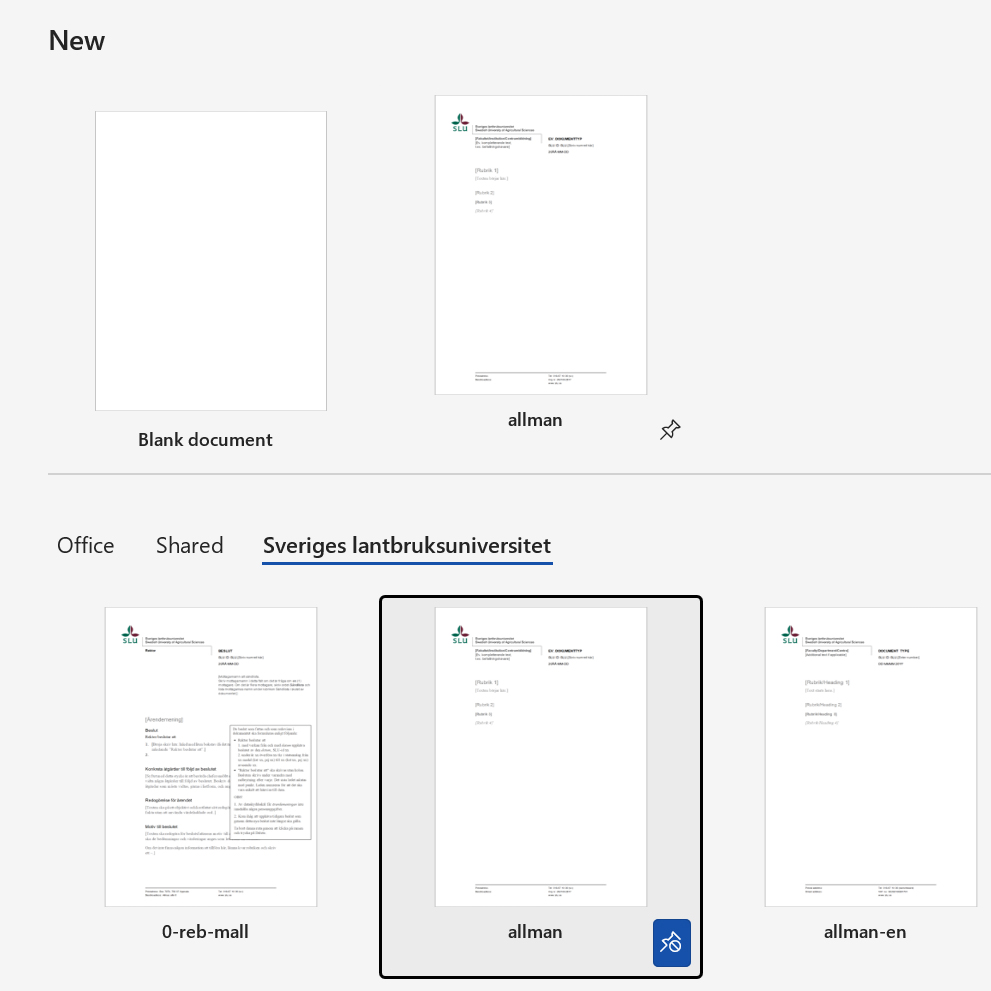
Click the pin icon to keep a template next to the blank document.
-
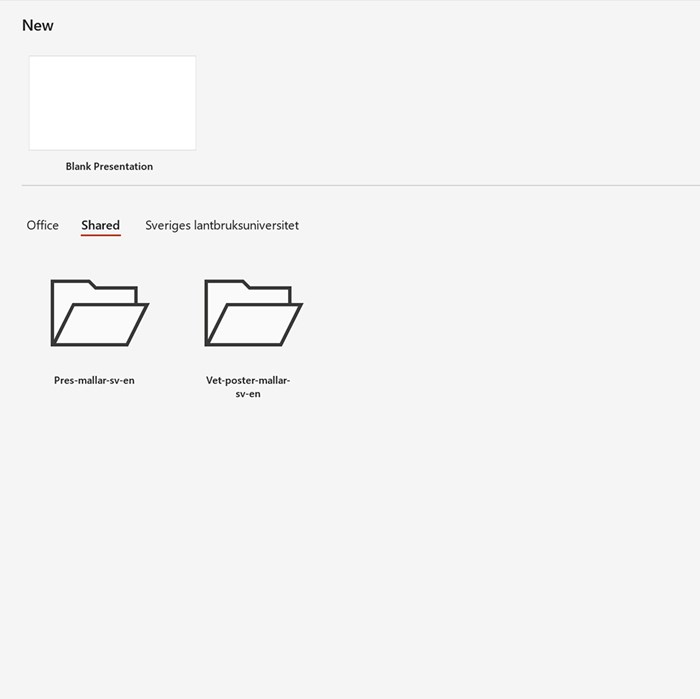
Powerpoint som det ser ut idag. Du klickar på [New/ny] för att hitta mallar under "Shared".
1/7
-
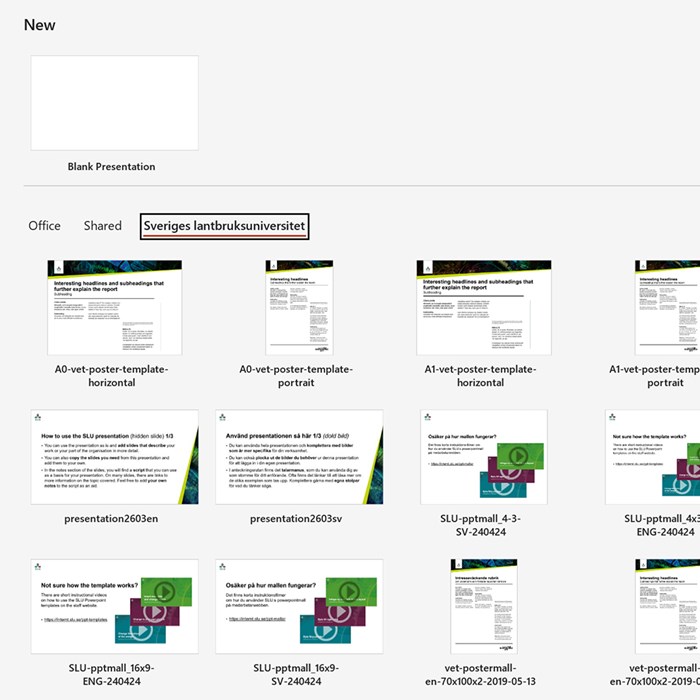
Powerpoint som det ser ut framöver. Du klickar på Sveriges lantbruksuniversitet för att hitta mallarna.
2/7
-
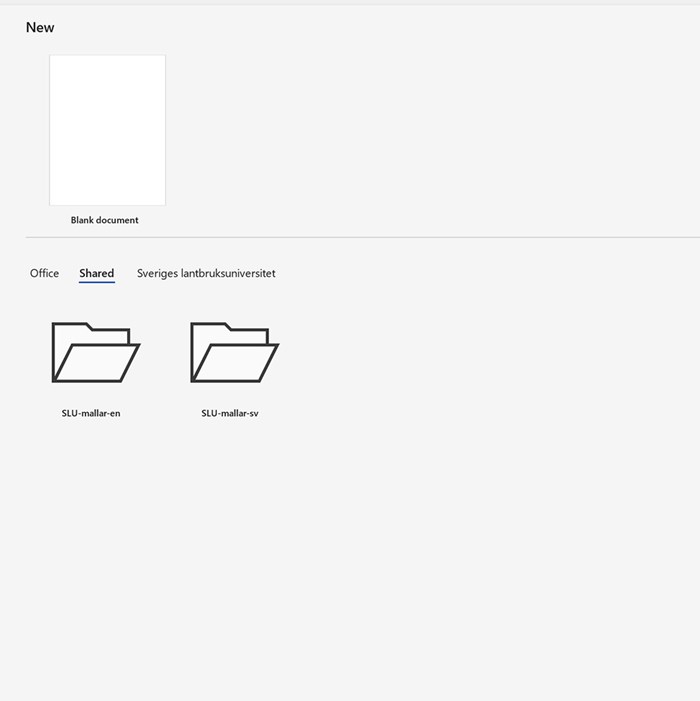
Word, som det ser ut idag. Du klickar på [New/ny] för att hitta mallar under Shared.
3/7
-
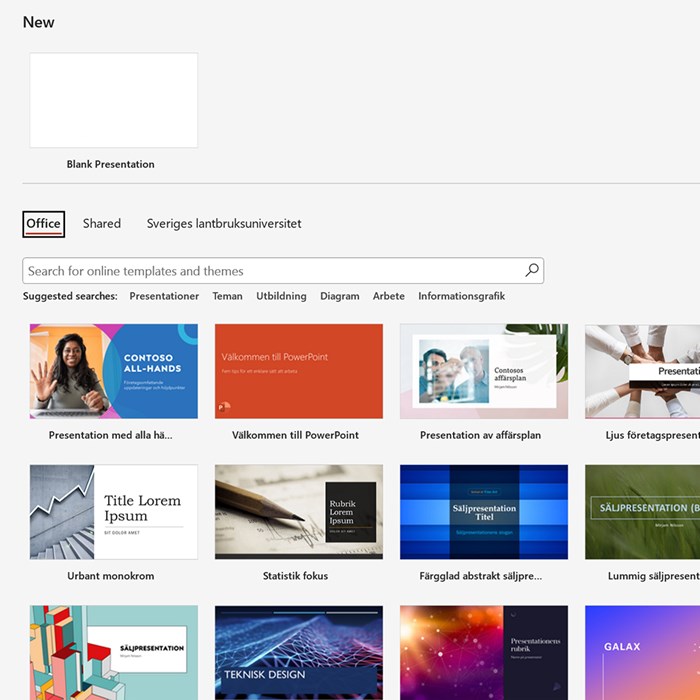
Powerpoint: Hur det kommer att se ut innan du klickar på Sveriges lantbruksuniversitet för att hitta mallarna.
4/7
-
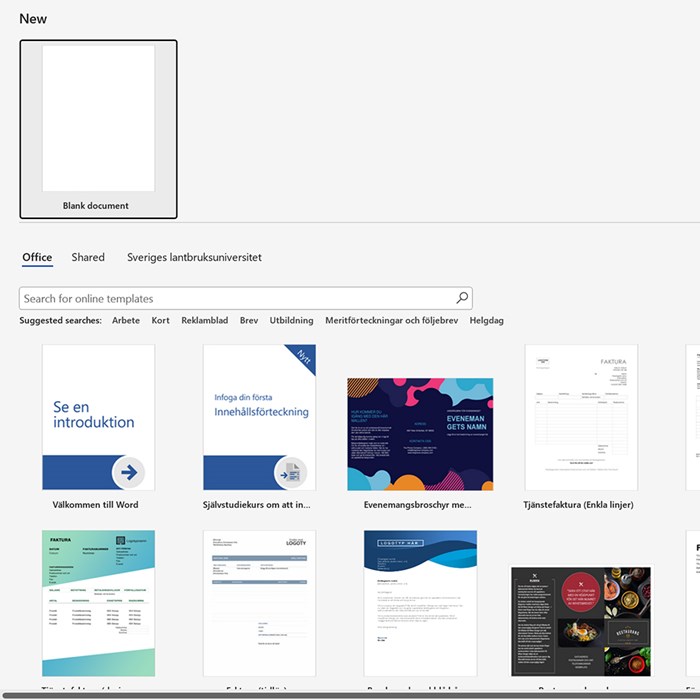
Word, som det ser ut i framöver innan du klickar på Sveriges lantbruksuniversitet för att hitta mallarna.
5/7
-
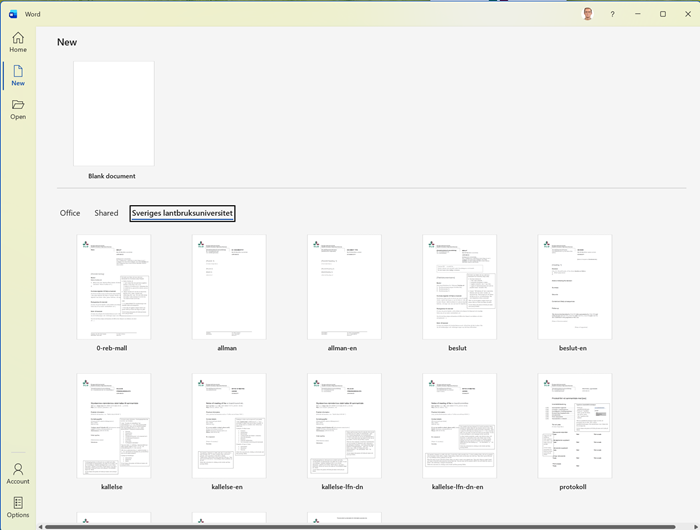
Word. Genom att klicka på Sveriges lantbruksuniversitet hittas mallarna framöver.
6/7
-
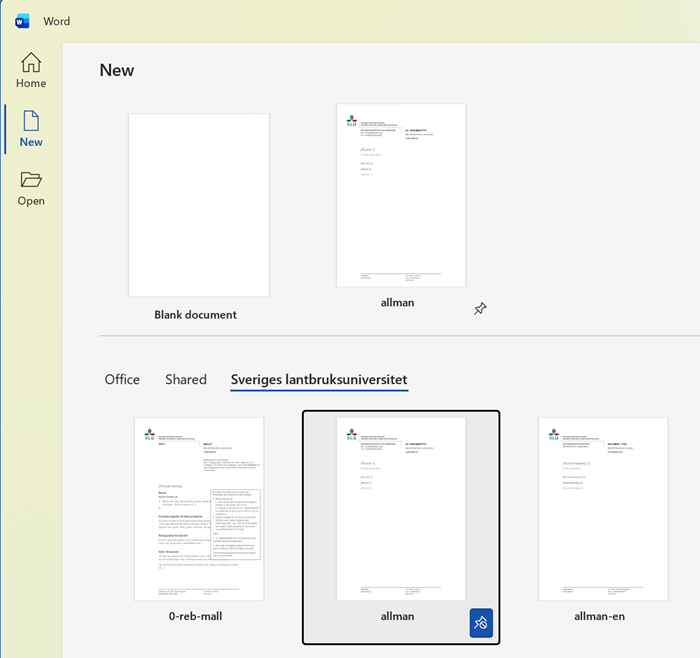
Du kan nåla fast mallar som du använder ofta på förstasidan [New]. Klicka på nålen för att fästa mallen bredvid det tommas dokumentet.
7/7