Do you know which of your given names is registered as your preferred name in the population register?
Soon, SLU’s system Primula will be connected to the population register.
To improve effiency of the work of the HR department — for example payroll processing — a decision has been made to add a service to our payroll system that enables automatic transfer of employees’ population registration data, including:
- first name(s),
- last name,
- personal identity number,
- and address.
This is to ensure that we have accurate data for all employees in our systems.
Are you among the 25 percent?
A quick test run shows that nearly 25% of SLU employees do not have their preferred name marked in the population register. This may cause issues, as all given names will then be transferred into systems that receive information via Omada.
For example, your display name in email may be affected (though not your email address).
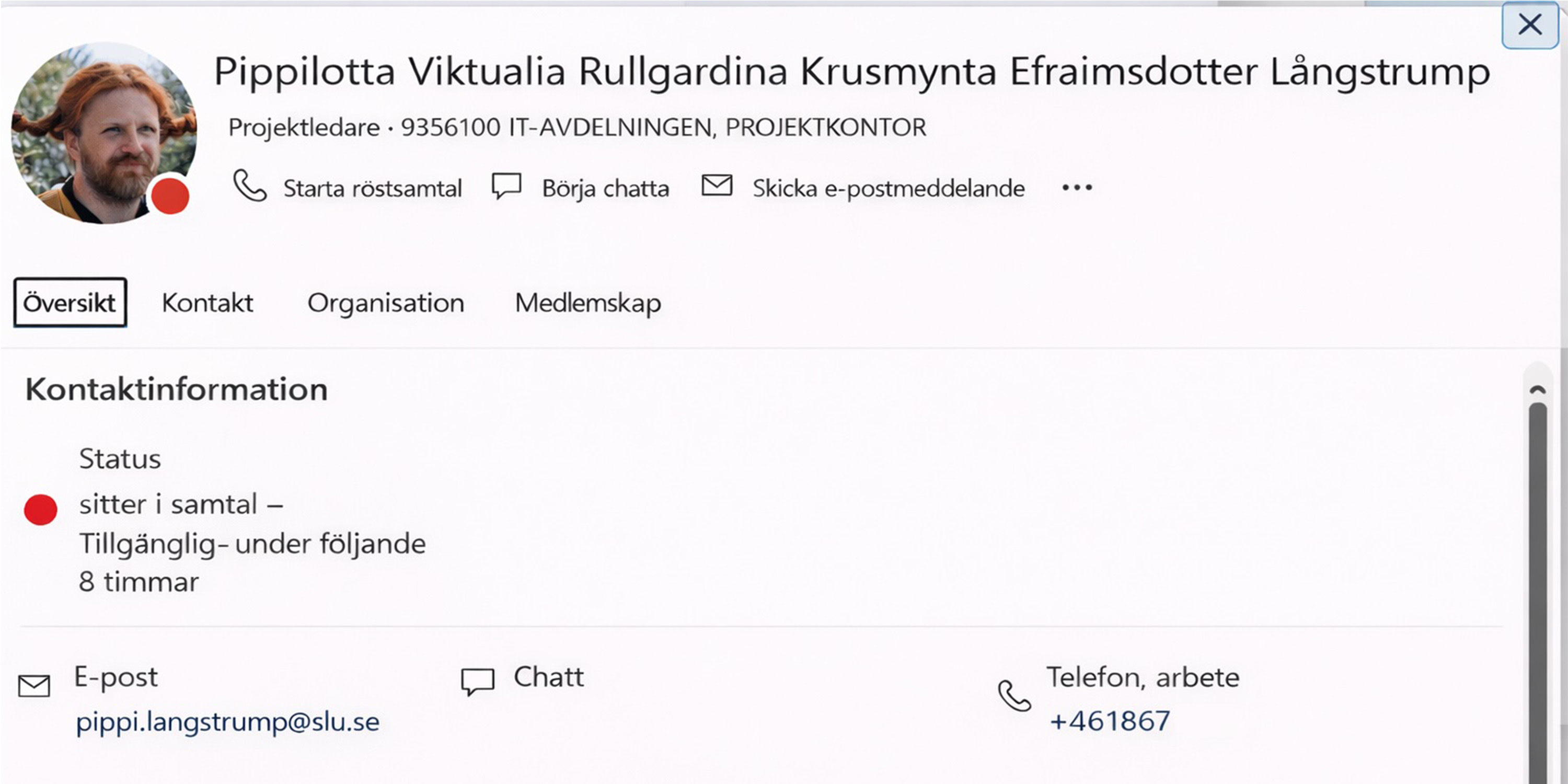
As an example, see how it would look like for Pippi Långtrump, (a fictional character in books by Astrid Lindgren with many given names) if she has not selected a preferred name (and is already employed at SLU) when the integration with the population register is implemented. In that case, the display name will change, while the email address will remain unchanged:
What does this mean for you?
If you are not sure how your name is registered in the population register, you should log in and check that the correct preferred name is selected. See the instructions in the information box.
When do I need to update this, if necessary?
Please log in, check your details, and make any necessary changes no later than May 15.
Who can I contact if I have questions?
Contact the payroll unit at loner@slu.se